Emails landing in the spam folder can be a frustrating experience, whether you are sending a critical business update or a simple notification. Many senders find themselves wondering, "Why did my email get flagged?" The truth is, email providers like Gmail and Outlook have strict filters to protect their users from junk mail. To ensure your emails reach the inbox, you must prove your legitimacy through specific technical configurations. Dynu Systems provides the essential DNS tools you need to secure your email reputation and guarantee delivery.
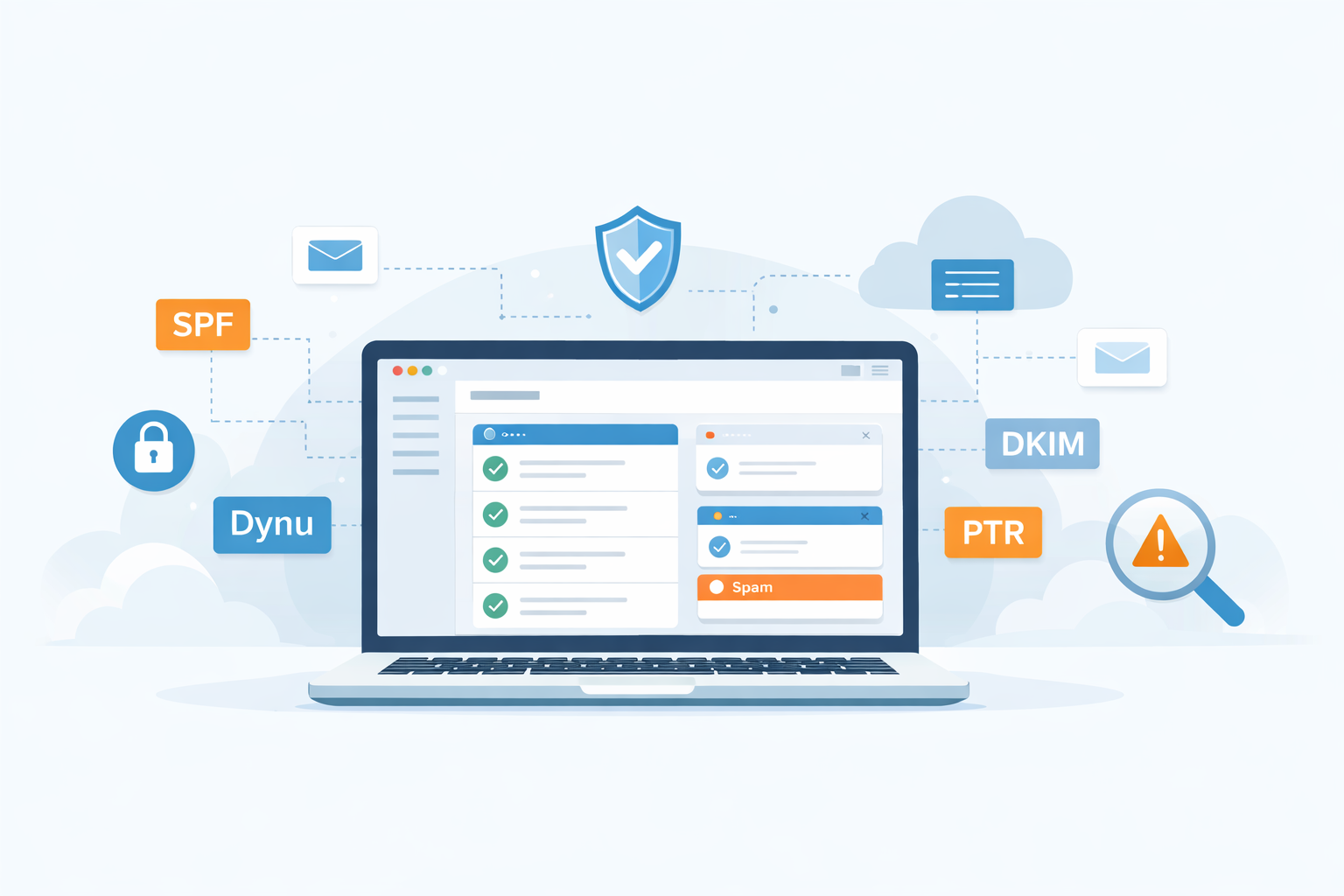
Configure SPF and DKIM Records
Sender Policy Framework (SPF) and DomainKeys Identified Mail (DKIM) are the two most important records for verifying your email's authenticity. An SPF record tells receiving servers that your Dynu IP address is authorized to send emails on behalf of your domain. Without it, recipients assume your email might be forged. Similarly, DKIM adds a cryptographic signature to your outgoing messages, proving they haven't been altered in transit. You can easily configure these records in your Dynu Control Panel by adding the necessary TXT records provided by your email provider.
Set Up Reverse DNS (PTR) Records
While SPF and DKIM verify the domain you are sending from, the Pointer (PTR) record verifies the IP address your message originates from. Reverse DNS, often called a PTR record, points an IP address back to a domain name. This is a critical step because major email providers use it to confirm that your server name matches your IP address. Without a properly configured PTR record, your emails are highly likely to be marked as spam or rejected entirely. Dynu supports PTR record configuration, allowing you to ensure your outgoing mail is treated as legitimate.
Avoid Blacklisted IP Addresses
If your server's IP address is blacklisted, your emails will bounce or go to spam, regardless of your DNS settings. Blacklists track IP addresses associated with spam activity. If you are using a shared IP, you might be affected by other users' actions, but if you manage your own server, it is your responsibility to keep the IP clean. Regularly check your IP reputation using public blacklist lookups. If you find yourself on a list, follow the specific removal procedures immediately. Dynu actively monitors our network to prevent spam, but maintaining your own server hygiene is essential.
Choose the Right Email Service
Not all email services are created equal. Some providers offer stronger authentication, better routing, and more reliable delivery than others. Dynu’s Full Service Email provides a complete solution with built‑in SPF, DKIM, and DMARC support, ensuring your domain is fully authenticated. If you rely on third‑party SMTP relays, make sure they support modern security standards and provide clear documentation for DNS configuration. A trustworthy email service reduces the risk of misconfiguration and improves your overall deliverability.
Implement DMARC for Additional Protection
Domain‑based Message Authentication, Reporting & Conformance (DMARC) builds on SPF and DKIM to give domain owners control over how unauthenticated mail is handled. With DMARC, you can instruct receiving servers to quarantine or reject suspicious messages. It also provides detailed reports that help you monitor unauthorized use of your domain. Dynu allows you to publish DMARC records directly in your DNS zone, giving you full visibility into your email traffic and helping you protect your brand from spoofing.
Maintain a Healthy Sending Pattern
Even with perfect DNS records, your sending behavior matters. Sudden spikes in outgoing mail, sending to outdated mailing lists, or repeatedly emailing invalid addresses can damage your reputation. Email providers track bounce rates, complaint rates, and engagement. To stay in good standing, send consistently, clean your mailing lists regularly, and avoid sending bulk mail from a brand‑new domain. Dynu’s reliable infrastructure ensures your messages are delivered quickly, but maintaining responsible sending habits is equally important.
Keep Your Content Clean
Spam filters analyze the content of your message. Excessive images, misleading subject lines, all‑caps text, or trigger words like “FREE!!!” can cause your email to be flagged. Make sure your message is clear, relevant, and formatted professionally. Avoid attachments unless necessary, and always include a plain‑text version of your email. Dynu’s email platform supports both HTML and plain‑text formats, helping you maintain a clean and compliant message structure.
Monitor Your Domain and IP Reputation
Deliverability is not a one‑time setup and it requires ongoing monitoring.
Tools like DMARC reports, blacklist checks, and email analytics help you stay ahead of potential issues.
Dynu provides stable DNS hosting and reliable email infrastructure, but staying informed about your domain’s reputation ensures
long‑term inbox placement. Make it a habit to review your DNS records, check for unauthorized changes, and
verify that your email service is performing as expected.
Email deliverability is a combination of proper DNS configuration, responsible sending habits, and reliable infrastructure. With SPF, DKIM, PTR, and DMARC in place and by choosing a trusted provider like Dynu, you can dramatically improve your chances of landing in the inbox every time. Take control of your email reputation today and ensure your messages reach the people who need them.





 Why your emails are going...